
igloohome x Agendo Connection Tutorial
Here are the steps to activate the integration between igloohome and Agendo.
igloohome Connection:
- If you haven’t done it yet, pair your devices in the igloohome mobile app
- Go to iglooconnect and log in using your igloohome credentials
- From the iglooconnect homepage, search and select Agendo
Agendo Connection:
Login to your Agendo admin account
In the main menu on the left, go to Integrations and then click “Add new integration” and select igloo
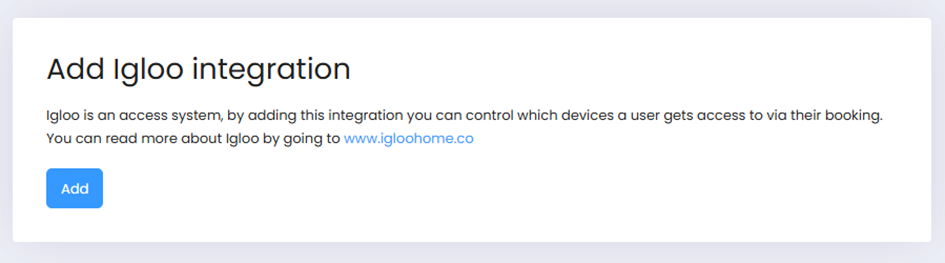
Click the add button as shown below
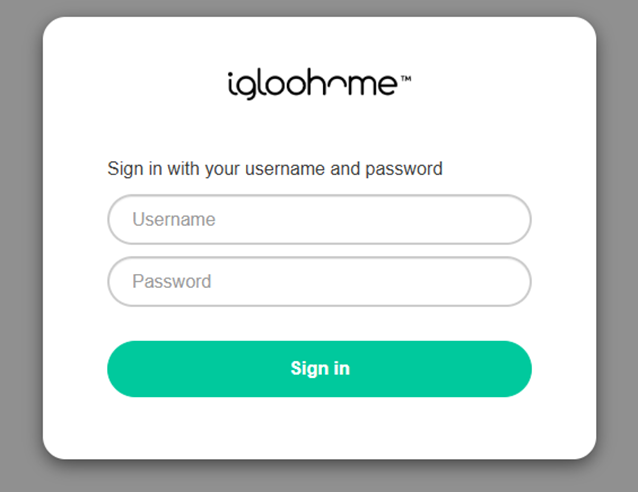
Sign in to your igloohome account to establish the connection with Agendo
Once connected, go to the Devices page within the integration to connect your Agendo services with an igloo device. Whenever a customer books your Agendo service that has been connected to an igloo device, they will also receive a PIN code along with their booking that works during the booked time